- More post / comments better.... there is no "wrong" idea since this is your opinion on reading blogs like content!
- Try to link/quote were you get your ideas from (whether book or outside sources) value of blogs/internet communication is you can easily link to other content within the conversation.
- When typing a post / comment keep highlighting and making a copy of it. Some times you will get kicked off or lose link/connection so I don't want you to lose a nice post
- Try to comment on others ideas... rather not just have a post without any feedback
- Try to add images, video, sound... content that enhances your idea/post (not needed when making a comment just in a blog post) to make your post enticing to read
- You can spell check within posting and you can edit it. I always find that no matter how well I proof read I will miss things... so feel free to edit / amend a post/comment at later time. Just point it out if really changes your points. *remember making a mistake in use/creation of this blog is part of the process. I would rather have your real voice and mistakes then an artificial fake opinion
- Remember others can see what you post.... so don't say something you don't want others will see, that doesn't mean you can't give your opinion, but rather then "jan you ignorant slut" (dating myself with that quote from SNL) you can say "jan I don't agree with your opinion because this place in the book or my idea...)
Thursday, June 30, 2011
As we start posting on the blog... a few points

Wednesday, June 29, 2011
When learning a new technology tool for first time try to pick something you need...
If learning a game maker program like Scratch or 3d prototyping software like sketchup try to pick a project of something for yourself that you are interested in. When you do it for an artificial project it is harder to understand the program tool.
Tuesday, June 28, 2011
Now that you have a blog... make it your own
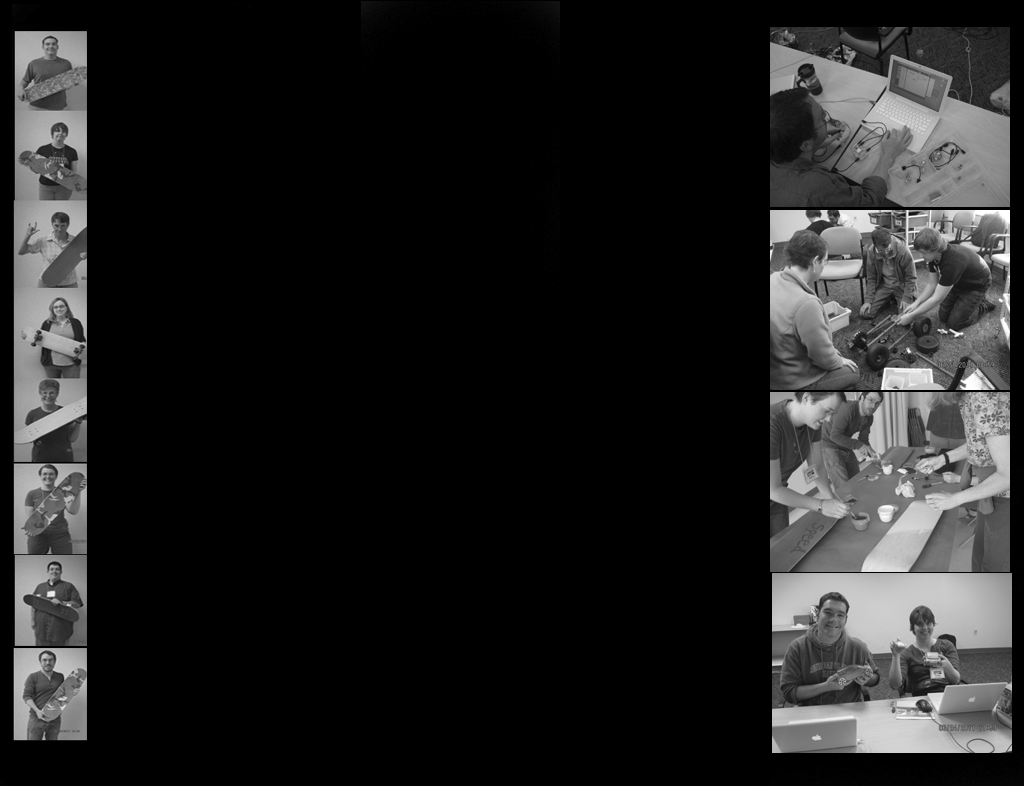
One of the tricks to blogging is to make yours unique. That way people want to go to it to find different info! You have an advantage... you have a captive audience. Rather then just use the simple template provided by Google try to tweak it (by color first) then by adding your own pictures.
Sunday, June 26, 2011
A trick... when adding videos / pics to your blog
If the videos or any content you want to add to your post / blog are to large. You can go into the HTML code and find were the item is and change its size.
for example, the video on side of my blog (I added it as a gadget using HTML upload function)
if you change the # 225 or 149 you can resize it to fit. Just make sure you subtract or add size evenly for both numbers to keep item it scaled. So if minus 100... one side would say 125 other would say 49
<iframe width="225" height="149" src="http://www.youtube.com/embed/0TPbRRjpsIU" frameborder="0" allowfullscreen></iframe>
for example, the video on side of my blog (I added it as a gadget using HTML upload function)
if you change the # 225 or 149 you can resize it to fit. Just make sure you subtract or add size evenly for both numbers to keep item it scaled. So if minus 100... one side would say 125 other would say 49
<iframe width="225" height="149" src="http://www.youtube.com/embed/0TPbRRjpsIU" frameborder="0" allowfullscreen></iframe>
Saturday, June 25, 2011
Here is the code to remove the blogger tool bar
If you would like to remove the Blogger Tool bar on top of a blog just go to the dashboard of your blog
in your Google Account
then click settings tab of your blog
then click HTML tab
then past this code to your blogs html code
MAKE SURE you do it at the end of everything except leave </html> at end<style>
#navbar-iframe {
height:0px;
visibility:hidden;
display:none;
}
</style>
Link to Google Doc with Rubric (shared it with you in Google Docs)
Mike Morrell had a nice idea with his google doc with rubric there... so I am providing this link as well. I shared it with you if as well just duplicate it and then edit it at your leisure.
https://docs.google.com/document/pub?id=14xW0pnvWjIhfEt0KYRxCZ7GsB3rJj9ePDag8WCreyn8
https://docs.google.com/document/pub?id=14xW0pnvWjIhfEt0KYRxCZ7GsB3rJj9ePDag8WCreyn8
Friday, June 24, 2011
Afternoon Session - Strand Final Meeting tim
We setup our schedule for Reading and Project time. Calendar at bottom of blog
Subscribe to:
Posts (Atom)